Privanext Blog

Guides & video tutorials

Get started with Privanext in a few minutes, step by step.

Take your first steps with Privanext

Two short videos and a step-by-step guide walk you through the essentials: creating your account, subscribing to the portfolio that matches your goals, and, should you ever need it, unsubscribing. Follow them in order and you will be up and running in no time.

Step 1

Creating your Privanext account

This tutorial shows you how to sign up on Privanext: entering your details, confirming your email address and setting up your login. In just a few minutes you get access to the platform, the wealth aggregator and the portfolio simulator.

Create my account
Step 2

Subscribing to a portfolio on the website

Once your account is created, this video guides you through subscribing to a Privanext portfolio directly from the website: choosing the portfolio suited to your objectives, reviewing the subscription conditions and confirming. You then start receiving Privanext's investment alerts.

Discover our portfolios
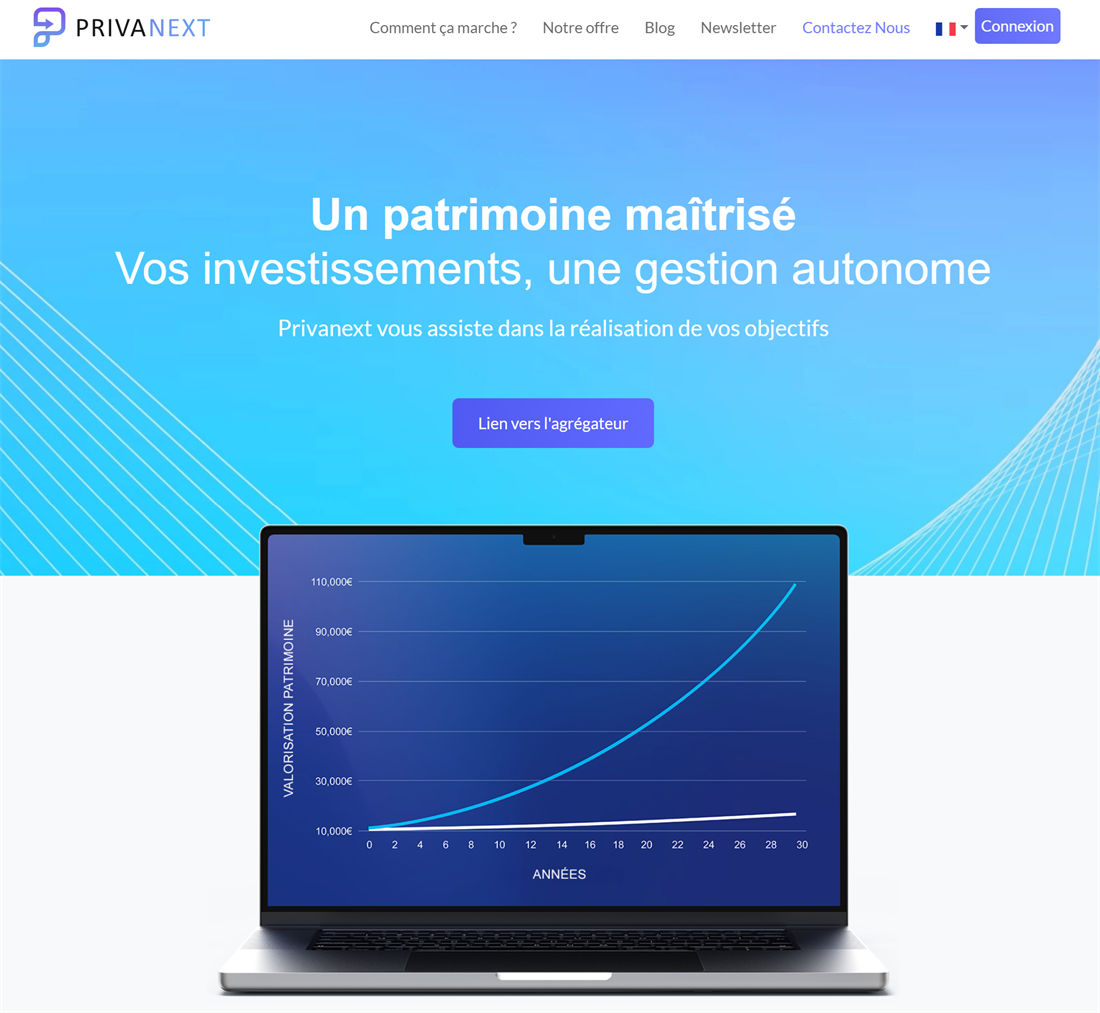
Privanext homepage
Guide

Unsubscribing from your Privanext subscription

Wish to cancel your Privanext subscription? Our illustrated, step-by-step guide walks you through checking your subscription status, contacting support and submitting your unsubscription request.

Read the guide
Privanext homepage
Guide

Adding a new account to your wealth aggregator

Bank account, brokerage, real estate or any other asset — our illustrated, step-by-step guide shows you how to add and categorize a new account to track it alongside the rest of your wealth.

Read the guide
Privanext homepage
Guide

Declining an investment alert

Couldn't follow an alert? Our illustrated, step-by-step guide shows you how to decline it so the simulator keeps the right cash reserve for your next purchases.

Read the guide

Ready to take control of your wealth?

Get started